From plot to payment: how a sales CRM works
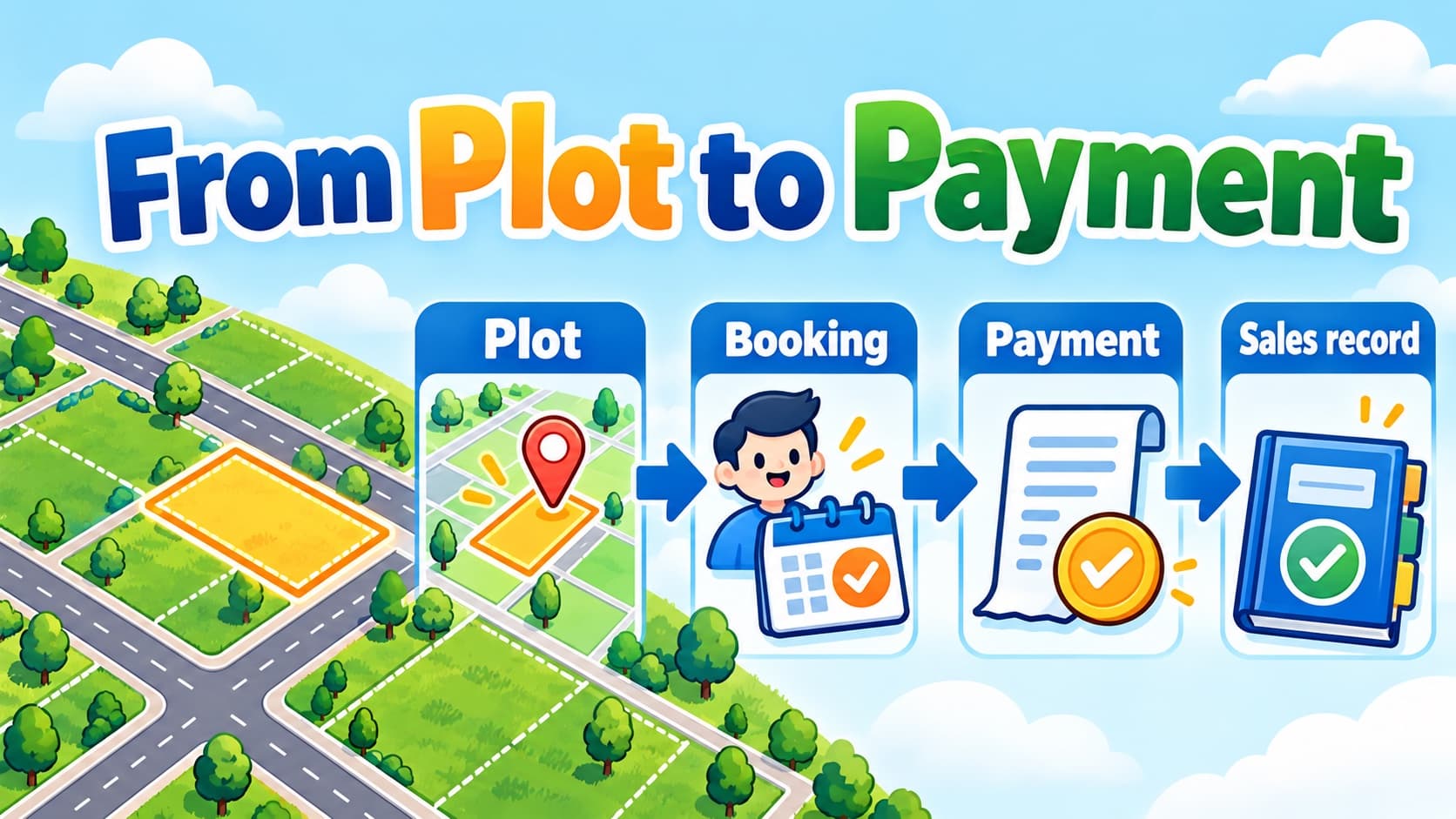
Two salespeople can open the same plot and both see it marked “available”. If they each save a booking a moment later, the system has to decide who can book it.
A map colour helps them see availability. The saved business record has to control what happens next.
I built a plot sales CRM independently for a client. The work connected inventory, a map, customers, bookings and payment records. These are the techniques behind that workflow, explained with fictional examples.
1. Give the plot a record before giving it a colour
A plot needs an identity the rest of the system can use. That record can hold its project, plot number, area, price and current sales status.
The map adds location and shape. A table makes details easy to scan, search and compare. Both views can refer to the same plot record.
Table first
A table helps people find plots by number, price, area or status. Location and neighbouring plots are harder to see.
Map first
A map helps people understand the layout, roads and where plots sit. Large lists and detailed comparisons can be awkward.
Both views
People can move between spatial context and detailed records. Both views need to show the same current state.
In the CRM I built, inventory can remain useful even when a plot has not been mapped. A drawn shape also should not be mistaken for an authoritative survey measurement. The recorded area and the geometry have different jobs.
2. Explain the states people will see
Start with a small set of states and agree what each one means. For example:
- Available: the plot can be offered under the business's rules.
- On hold: someone has a temporary claim, with an expiry or release rule.
- Reserved: an active booking has claimed the plot.
- Sold: the completion conditions defined by the business have been met.
The exact rules can vary. A business may reserve at booking time and mark a plot sold after completion or full payment. The software needs to follow those agreed rules consistently.
A lead can be interested in a plot without claiming it. Recording interest, creating a hold and saving a booking are different actions.
3. Check availability again when saving the booking
Suppose Plot P-014 is available when two salespeople open it.
- The first salesperson starts a booking.
- The second salesperson starts another booking for the same plot.
- The first booking saves and reserves the plot.
- The second attempt must now see that the plot is no longer available.
The page was accurate when it opened. The decision still needs to use the current state when the booking is saved.
There are different ways to protect that decision:
Lock the plot record during the decision
Conflicting booking changes wait until the current transaction finishes. This keeps the decision orderly, but long transactions can make others wait.
Make a conditional claim
Save the claim only if the plot still has the expected available state or version. This avoids waiting in some designs, but a competing request must handle rejection or retry.
A row lock is one way to make the availability check and booking decision work together. PostgreSQL's row-locking documentation explains how conflicting changes to a locked row wait for the transaction to finish.
Whichever technique you use, disabling a button on the page is not enough to settle two competing requests.
4. Save what the customer agreed to
A booking should keep the price and area agreed at that time.
Imagine the listed price changes next month. An existing booking still needs to show its own agreement. Recalculating it from the latest inventory price would change its history.
The CRM stores booking snapshots of the agreed area, unit price, total and currency. The inventory listing can change without silently rewriting those agreed values.
5. Separate the payment plan from money received
A payment plan describes what should be paid and when. A collection records money that was received.
Here is a fictional booking example:
- Agreed booking value: ₹10 lakh. This is the total agreed for the booking.
- Collections recorded so far: ₹2 lakh. This is money recorded as received.
- Remaining amount: ₹8 lakh. This is the part still unpaid in this example.
A due installment does not become a collection because its date has arrived. Payment recording needs its own action, receipt and allocation to the relevant installment or installments.
Plans can also take different forms: one payment, regular installments or a custom schedule. The installment amounts need to match the plan total, so the schedule does not quietly add or lose part of the agreement.
6. Keep cancellations and changes connected
Cancelling a booking can affect its payment plans and the plot's availability. Changing those records separately can leave a cancelled booking attached to a plot that still looks reserved.
The CRM connects those updates and records audit events for booking and payment activity. That history helps the team follow who changed a record and what happened.
When reviewing a plot sales workflow, try one ordinary booking, two competing bookings, a partial payment and a cancellation. For each case, check the plot, booking and payment records together. They should tell the same story.